
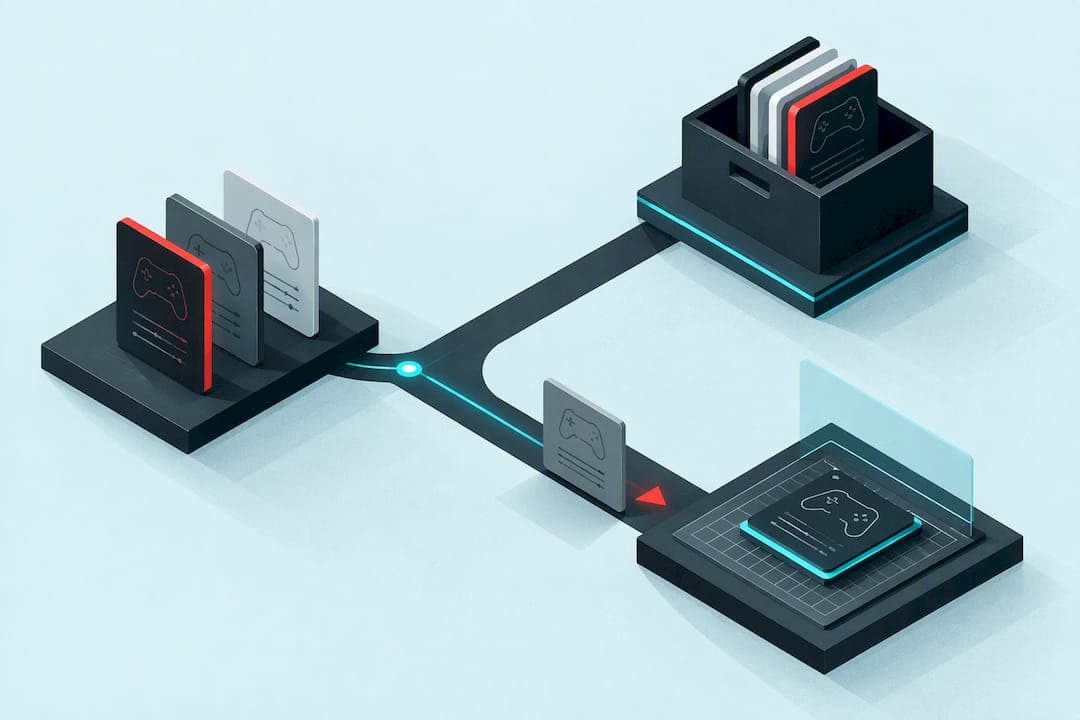
The fastest way to organize GPC scripts is a simple system: a consistent folder tree, a strict naming pattern, lightweight tagging, and routine version backups, edited in Zen Studio, a text editor, or a cloud option like ForgeVZ. This combination cuts testing time, makes swapping scripts safer, and turns sharing with teammates into a five-minute task instead of a guessing game.
TL;DR:
- Using a layered folder structure like /Game/Profile/Version prevents script chaos and makes it easy to identify script purposes without opening files.
- Consistently increment version numbers (major for rewrites, minor for tweaks) and store retired versions in a /legacy subfolder to maintain a reliable change history.
- Tag scripts with metadata such as game, platform, role, and difficulty in comment headers or sidecar JSON files to enable effective search and filtering in large libraries.
- Use a dedicated, clearly named test memory slot to prevent accidental overwrites of active profiles, and always export tested scripts back to your main folder for backups.
- Incorporate cloud editing tools like ForgeVZ for live syntax checking and editing from any device, integrating smoothly with your folder, versioning, and change log workflows.
Table of Contents
- Folder structure and naming conventions for a GPC script library
- Versioning, backups, and change logs that actually get used
- Organizing a searchable script library: tagging, metadata, and templates
- Editors and tooling: Zen Studio, text editors, and cloud-based script editing
- Importing, exporting, and memory-slot management on Cronus Zen
- Testing and debugging workflow for GPC scripts
- Workflow templates: quick tweak, refactor, and release checklists
- ForgeVZ: how a cloud virtual Zen controller maps to these organization workflows
- Author perspective: common mistakes and trade-offs
- Why try ForgeVZ for cloud editing and library hosting
- Selected sources and tools
- FAQ
Folder structure and naming conventions for a GPC script library
Most script chaos starts with a flat folder full of files named "script2_final_reallyfinal.gpc." A layered structure fixes this before it starts. Build your library around a tree like /Scripts/Game/Profile/Version, so a folder path might read /Scripts/R6Siege/Attack/v2. Every script lives somewhere predictable, and you never have to open a file to know what it does.
Pair the folder tree with a fixed filename pattern: Game_Profile_Role_v1.gpc. A real example looks like R6_Attack_Assault_v1.gpc or Warzone_Ranked_Sniper_v3.gpc. The pattern tells you the game, the profile, the role, and the revision without opening the editor.
- Keep a
README.mdin each game folder explaining what each profile does and any device quirks. - Store a
changelog.txtalongside scripts to log what changed between versions. - Add a
/screenshotsfolder for controller settings or menu configurations tied to a script.
Syncing this structure across devices works best with a cloud folder like OneDrive or Google Drive mirrored to a local folder. The common pitfall is editing the same file from two devices at once, which creates sync conflicts and duplicate copies with confusing suffixes. Set one device as the "editing" machine and treat the rest as read-only pulls, and you avoid most of that mess. Community script directories tend to organize scripts by game, feature, platform, and difficulty, which is worth mirroring in your own folder tags so scripts you download slot straight into your existing system instead of sitting in a separate pile.
Versioning, backups, and change logs that actually get used
Version numbers only help if you increment them consistently. A workable rule: bump the minor number (v1 to v1.1) for small tweaks like sensitivity adjustments, and bump the major number (v1 to v2) for structural changes, like rewritten anti-recoil logic or new button mappings.
- Start every new profile at v1 and commit it before testing.
- Increment the minor version after each tested tweak, keeping the previous version untouched.
- Increment the major version only after a full test pass confirms the rewrite works as intended.
- Archive retired versions in a
/legacysubfolder instead of deleting them.
Git works well for GPC files since they are plain text, and you do not need advanced commands to benefit from it. git init in your Scripts folder, git add and git commit -m "v1.1 recoil tweak" after each edit gives you a full history you can roll back with git checkout. When using Git for GPC files, treat compiled binary exports as build artifacts and commit only the source GPC files and sidecar metadata, adding exports to .gitignore to keep the repository lean.
Automated backups matter as much as manual versioning. Simple filename versioning paired with periodic exports to cloud storage gives Cronus Zen users a reliable fallback if a device is reset or a slot gets overwritten. Schedule a weekly export of your working scripts to cloud storage, even if nothing changed. A changelog entry should note the date, the version, and one line on what changed, and whoever last edited the script should be the one who writes it.
Pro Tip: Never edit your only copy of a working script. Duplicate it, rename the copy with a bumped version number, and edit that instead.
Organizing a searchable script library: tagging, metadata, and templates
Once a library grows past a few dozen scripts, folder names alone stop being enough. Adding lightweight metadata lets you search and filter instead of scrolling.
- Tag each script with game, platform, role, difficulty, author, and last tested date.
- Store metadata in a header comment block at the top of the GPC file for quick reference while editing.
- Use a sidecar JSON file (
R6_Attack_Assault_v1.json) when you need to search metadata across many files at once without opening each one. - Apply a consistent tagging schema per genre: FPS profiles get tags like "recoil," "aim-assist," or "adsl," fighting game profiles get "combo," "buffer," or "input-delay," and racing profiles get "steering," "braking," or "assist."
A header comment or simple sidecar JSON is a practical way to store searchable metadata without touching how the script actually runs, since GPC ignores comment lines during compilation. Templates speed this up further. Build one blank template per genre with the metadata block already filled in and common functions stubbed out, so starting a new profile means copying a template and adjusting values instead of writing from scratch. A racing template with steering curves and brake-assist stubs already in place can save real setup time on a new profile.
Editors and tooling: Zen Studio, text editors, and cloud-based script editing
Zen Studio remains the tool of record for compiling and uploading to the Cronus Zen device, and it is the official desktop tool for compiling and uploading scripts to the device (Zen Studio). Use it for final compiles, memory-slot uploads, and anything that touches the hardware directly.
For heavy editing, a general text editor often beats Zen Studio's built-in interface. VS Code or Sublime Text give you line numbers, find-and-replace across files, and syntax highlighting once you add a GPC language definition. Reserve Zen Studio for the final compile-and-upload step, and do the actual writing and debugging in a proper code editor.
- Set up syntax highlighting for GPC so brackets, functions, and comments are visually distinct.
- Add code snippets for common blocks like combo definitions or anti-recoil functions to avoid retyping boilerplate.
- Enable basic linting or bracket-matching to catch mismatched braces before you compile.
Cloud editors add a different advantage: live compilation surfaces syntax errors immediately, which shortens the edit-test loop compared to writing blind and only discovering an error at upload time. This model offers browser-based real-time editing with live compilation and error checking, which means you can catch a broken bracket or undefined variable the moment you type it rather than after a failed upload.
Pro Tip: Keep your editor workflow tied to your versioning system: commit or export after every session, not just after big changes, so a browser crash never costs you real work.
Whichever editor you use daily, route final builds through the same versioning and memory-slot process so nothing skips the test stage.
Importing, exporting, and memory-slot management on Cronus Zen
Memory slots are where good organization either pays off or falls apart, since a single overwrite can erase hours of tuning.
- Keep a master copy of every script in your synced folder before touching a memory slot.
- Export the master file to a dedicated test slot, named with a clear pattern like
Game_Test_v3, never directly to a live slot. - Run your test pass in the test slot and confirm behavior matches expectations.
- Only after testing passes, export the confirmed version to the live slot, overwriting the previous build.
- Immediately re-export the new live version back to your synced folder so your local master stays current.
A dedicated test memory slot prevents accidental overwrites of live profiles during testing, which matters most when you are mid-tournament or mid-session and tempted to skip the extra step. If an overwrite does happen anyway, your local backup or cloud export from the previous session is the recovery path: reimport the last known-good version to the test slot, confirm it, then push it live again. This is exactly why the export-after-test habit matters more than any other single step in the whole workflow.
Testing and debugging workflow for GPC scripts
Treat testing as a staged process rather than a single "does it work" check.
- Unit test small functions first, like a single combo or anti-recoil block, before testing the full profile.
- Simulate or dry-run in a controller-testing environment where available, rather than jumping straight into a live match.
- Run reduced-scope tests in private lobbies or practice modes before trusting a script in ranked play.
- Log key variable values during testing to spot where behavior diverges from what you expected.
- Track memory usage and performance limits, since GPC scripts on Cronus Zen have finite memory per slot.
Live compilation checks syntax as you type, catching errors before you ever reach the upload step, which shortens the edit-test cycle. Document your results per version in the changelog, noting what you tested and what passed, so the next person (or your future self) does not repeat the same test from scratch.
Workflow templates: quick tweak, refactor, and release checklists
Three compact workflows cover almost every situation you will run into.
- Quick tweak: edit the script, bump the minor version, test in the dedicated test slot, then back up the confirmed version.
- Major refactor: branch the file (copy with a new major version number), refactor the logic, run a full test pass across multiple scenarios, merge the confirmed changes into your main folder, then publish to the live slot.
- Release or share: finalize the README and changelog entry, tag the version number clearly in the filename, export the memory slot, and publish release notes describing what changed and why.
Sticking to one of these three whenever you touch a script keeps your library predictable, even when you are working fast under time pressure.
ForgeVZ: how a cloud virtual Zen controller maps to these organization workflows
A browser-based approach can slot directly into the workflows above without adding new hardware to manage. A virtual Zen controller that runs in-browser, with real-time script editing, live compilation, and error checking built in can enable the edit-test loop described earlier without a physical device on your desk.
- Edit and store scripts from devices with a browser, keeping your library accessible away from a main setup.
- Catch syntax errors during live compilation instead of after an upload attempt fails.
- Use simulated controller output to sanity-check behavior before committing to a test memory slot.
Pairing ForgeVZ with the folder, versioning, and changelog habits above gives you a cloud staging layer that sits ahead of your local backups and Zen Studio compile step, not a replacement for either.
Author perspective: common mistakes and trade-offs
The same three mistakes come up constantly: no backups until after a loss, no dedicated test slot so live profiles get overwritten mid-session, and naming so ad-hoc that nobody, including the original author, can tell versions apart a week later. Each fix takes minutes: export before you edit, reserve one slot for testing only, and commit to a naming pattern you never break.
— Forge
Why try ForgeVZ for cloud editing and library hosting
Editing and testing scripts without a dedicated device on hand is the real advantage here: ForgeVZ runs entirely in a browser, so your library and edits stay reachable from a laptop, a second monitor, or a different room than your console.

- Live compilation flags errors as you type, before you ever reach a memory-slot upload.
- Browser access means no extra hardware between you and your scripts.
- Built-in error checking catches broken syntax before it reaches a test slot.
If the folder-and-versioning system above is the structure, ForgeVZ is where the daily editing happens. Visit the ForgeVZ landing page to see the Virtual Zen plan, priced at a monthly subscription fee, and try the workflow on your own scripts.
Selected sources and tools
The ForgeVZ Virtual Zen platform and Cronus Zen community resources informed the workflows and terminology used throughout this guide.

FAQ
How do you make a GPC script?
A GPC script is written as plain text using GPC syntax, then compiled and uploaded through Zen Studio or a cloud editor like ForgeVZ that checks for errors before upload. Most scripts start from a template with basic functions stubbed out, then get built up function by function with testing after each addition.
What is the best way to name GPC script files?
A pattern like Game_Profile_Role_v1.gpc works best, since it tells you the game, profile, and version without opening the file. Keeping this pattern consistent across your whole library prevents the mismatched, unclear filenames that cause most script confusion.
Do I need Git to version my GPC scripts?
Git is not required but it gives a full change history and easy rollback for text-based GPC files. A simpler alternative is manual version numbers in filenames plus periodic cloud backups, which covers most casual and competitive users without extra setup.
Can I edit GPC scripts without a Cronus Zen device connected?
Yes, cloud-based editors like ForgeVZ let you write, edit, and live-compile GPC scripts in a browser without hardware connected, checking for errors as you go. You still need Zen Studio or a compatible device to upload the final script to a physical memory slot.
How do I avoid overwriting a working script on Cronus Zen?
Use a dedicated test memory slot with a clear naming convention, like Game_Test_v3, so you never upload directly to a live slot. Test there first, confirm the behavior, then export the confirmed version to your live slot only after it passes.